
How to Add Music to TikTok Videos and Photos (2026)
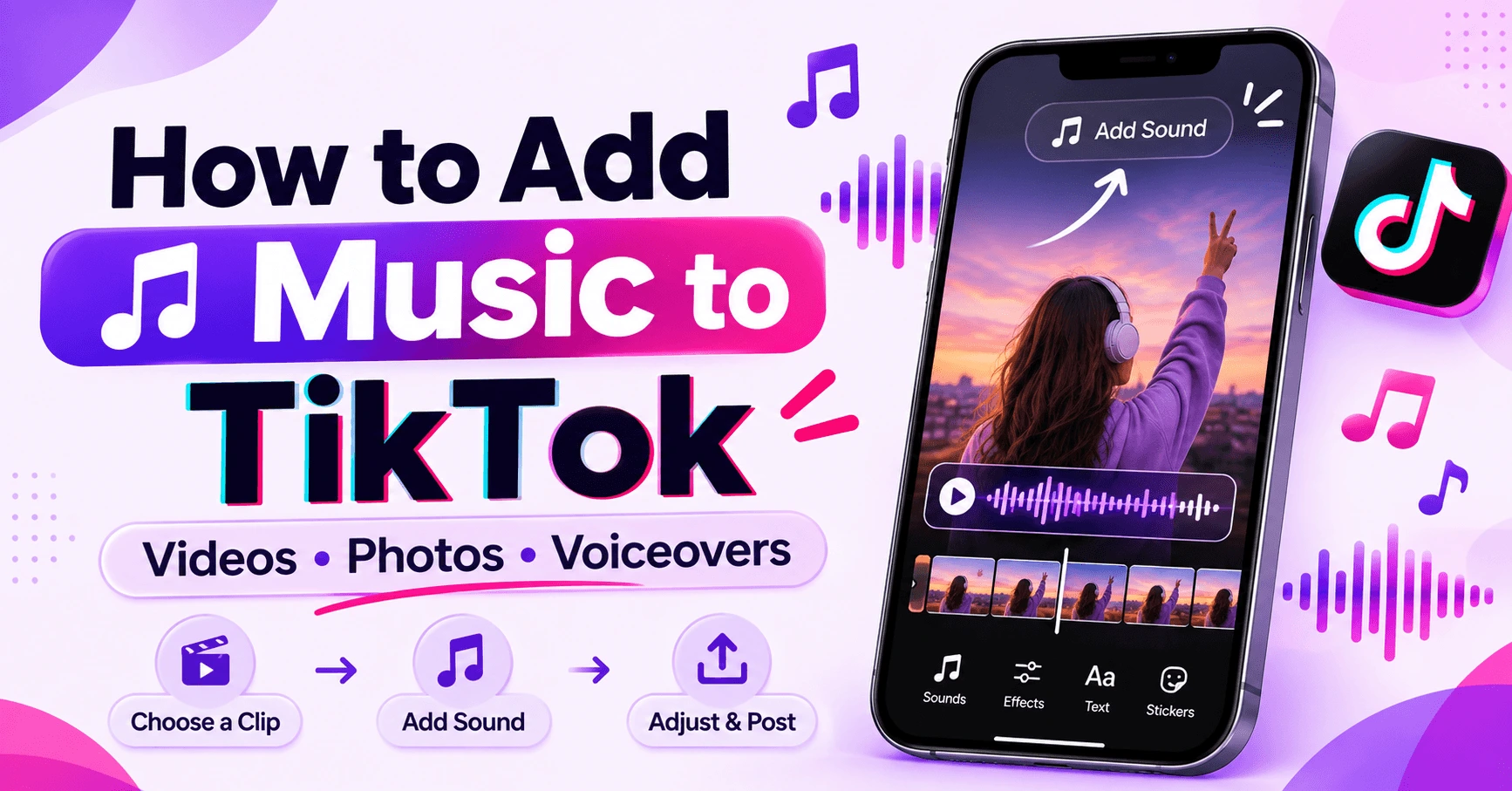
Adding music to a TikTok takes about a minute once you know where the buttons are. Tap +, record or pick a video, tap Add sound, choose a song and post. That is the short version.
The details change a little depending on what you post. Photos work differently from videos. Business accounts get a smaller music library. And now and then, a song you picked goes quiet after you post. Below we walk through all of it, including how to use audio saved on your own phone.
Add Music to a TikTok Video
You can add a song before you film, after you film, or to a clip from your gallery. The buttons are the same on iPhone and Android, though they sometimes move after an app update.
Pick a song before you record
This is the way to go for dances and lip syncs, because the song plays while you film.
- Tap + at the bottom of the screen.
- Tap Add sound at the top.
- Tap the magnifying glass and search for the song or artist.
- Tap the song to hear a preview, then tap the check mark.
- Hit record and move with the beat.
Add a song after you record or upload
- Record your clip, or tap the gallery icon next to the record button and choose videos from your phone.
- On the edit screen, tap Add sound at the top. In the newer editor, tap Sound at the bottom instead, then Add sound, or Replace if the clip already has music (TikTok Support).
- Pick one of the suggested sounds or search for your own. TikTok adds it right away.
- Tap Next, write your caption and post.
Photo Posts: Carousel or Slideshow?
TikTok lets you post photos two ways, and the music feels different in each.
| Format | What viewers do | What the music does |
|---|---|---|
| Photo carousel | Swipe through the photos themselves | One song loops while they swipe |
| Video slideshow | Just watch, the photos change on their own | The song plays like any video, and photos can switch on the beat |
Add music to a photo carousel
- Tap +, then Photo, then Upload.
- Choose your photos. One post can hold up to 35 (PetaPixel). Tap Next.
- Tap Add sound, pick a track and post.
Make photos change on the beat
Select your photos in video mode instead of photo mode, then add a sound. If your editor shows a sync or template option, try it, since it times each photo to the music. Not every app version has it, so don't worry if you can't find it.
Finding a Song That Fits
- Know the song already? Tap the magnifying glass in Add sound and type the title or the artist.
- Heard something good while scrolling? Tap the spinning disc in the corner of that video, then tap Add to Favorites. Next time you open Add sound, it will be waiting under Favorites.
- Want something trending? Open a sound's page and check how many videos use it. If that number keeps jumping over a few days, you have found a sound on the rise. Our guide on finding trending sounds on TikTok has more ways to catch them early.
Trim, Volume and Voiceover
Start the song at the right spot
Most songs don't open with their best part. Here is how to skip ahead:
- Tap the scissors icon next to the song. In the newer editor, tap the sound clip on the timeline.
- Drag the sound wave until the part you want plays first.
- Tap the check mark or Done.
Keep your voice clear over the music
This is where a lot of videos go wrong. The music drowns out the person talking, and viewers scroll away.
- Tap Volume on the edit screen.
- Use the Original sound slider for your own audio and Added sound for the song.
- Play it back on your phone speaker, not headphones, since that is how most people will hear it.
If you are talking, keep Original sound high and pull the music down until it sits quietly behind you. If any word is hard to catch, lower it again. For a dance video with no talking, flip it around.
Record a voiceover over music
- On the edit screen, tap Sound, then Voiceover. Older versions show a microphone icon on the right side instead.
- Tap Record, say your piece and tap Done (TikTok Support).
- Add your song and balance the two with Volume.
Want a quick whoosh, ding or laugh? Our TikTok sound effects guide shows where to find them.
Using two songs in one video
TikTok only lets you add one sound per post. If you want two, put them together in CapCut or another editor first. Drop both songs on the timeline, trim them, export the video, and upload it to TikTok without adding another sound.
Adding Your Own Music or Audio
There are a few ways to get your own audio into a TikTok. Which one works depends on what you have and what kind of account you use.
| Method | Good for | Business accounts |
|---|---|---|
| Import a file from your phone | An audio file you own, like an MP3 | Not offered |
| Original sound | Your voice, or audio already in your video | Yes |
| Video editor like CapCut | Any audio you have rights to, or two songs | Yes |
| Music distributor | Artists who want their songs in TikTok's library | Yes |
Adding a song from your phone
Some accounts can pull an audio file straight from the phone. We say some because TikTok's help pages don't mention this feature, and plenty of people can't find it (Creator Tribune). If you have it, here is the path:
- Tap + and record or upload your clip.
- Tap Add sound, the magnifying glass, then Discover more sounds.
- Open Your sounds and tap Import local sound.
- Pick the file, name it and tap Save (some versions say Upload).
MP3 and M4A files tend to work best. WAV and AAC are hit or miss, and Business accounts don't get this option (Soundstripe).
Saved one of your own sounds with our TikTok to MP3 converter? This is how you get it back into a new video. If you can't find the file, our guide on downloading TikTok audio on iPhone and Android shows where each phone puts it.
Want that same sound playing when your phone rings? Here is how to turn a TikTok sound into your ringtone.
When the song you want isn't on TikTok
Songs go missing for a few reasons: licensing deals, your country or your account type. If you own the track or have a license for it, edit it into your video in CapCut, VEED or Adobe Premiere Rush, export it, and upload the finished file. That works on any account. Just know that TikTok can still mute a song you don't have the rights to.
Give your original sound a better name
When you post a video with your own audio, TikTok saves it as "original sound." That name won't help anyone find it.
- Open your video and tap the spinning disc in the corner.
- Tap the pencil icon on the sound page.
- Type a new name and tap Save.
Keep the video public so other people can use your sound. If you want to record one from scratch or keep it private, read our guide on how to make your own sound on TikTok.
If you're an artist
To get your song into TikTok's main library, release it through a music distributor like DistroKid, TuneCore or iMusician. Once it is live, you can claim an artist profile through TikTok for Artists.
Adding Music From a Computer
You can upload from a computer through TikTok Studio, but music options there are hit or miss. TikTok's help pages don't say which sound tools the web version has (TikTok Support), and different guides report different things. Here is what to try:
- Go to tiktok.com/tiktokstudio and sign in.
- Click Upload and choose your video file.
- If you see an Edit video or sound option, open it, pick a song and click Use. Drag the edges of the track to trim it.
- No sound option? Add the music in a desktop editor first, then upload the finished file.
You can't record in the browser, and the web editor has fewer tools than the app.
Personal vs Business Accounts
TikTok used to have a separate Creator account, but it folded those into personal accounts in August 2021 (Sprout Social). Today the music split is simple: personal or Business.
| Feature | Personal account | Business account |
|---|---|---|
| What Add sound shows | Every sound, plus a Commercial Sounds filter | Commercial sounds only |
| Trending hit songs | Yes, for posts that don't promote anything | No |
| Import an audio file | Where the option shows up | No |
| Posts that promote a brand | Use commercial sounds or licensed music | Covered by the library |
The Commercial Music Library has about 1 million songs cleared for business use, and it is free (TikTok Ads Help Center). What you see can change by country, since the library is sorted by region.
If you run a business, stick to that library. TikTok says its regular music licenses don't cover posts that promote a brand, product or service. Use an original sound or outside music in that kind of post and you have to accept TikTok's Music Usage Confirmation, which means you are saying you hold the rights (TikTok Support). Switching to a personal account just to use a hit song in an ad doesn't make that problem go away.
Not sure which account you have? Go to your profile, tap the menu icon, then Settings and privacy, then Account.
Music Not Working? Common Problems and Fixes
| Problem | Why it happens | What to do |
|---|---|---|
| Add sound is missing | An old app version, or the newer editor moved it | Update and restart the app. In the newer editor, look for Sound at the bottom |
| A song is greyed out or gone | It isn't licensed in your country or for your account type | Pick another track or use audio you own. On a Business account, search Commercial Sounds |
| TikTok muted your video | A copyright claim or a Community Guidelines issue | Open the video, tap View details to see why, then Change sound, pick a new track and tap Post (TikTok Support) |
| Your own voice is silent | Original sound is turned down | Tap Volume and raise Original sound. Also check the clip had sound before you uploaded it |
| Music is out of sync | The song starts at the wrong point | Trim the song so the beat hits with your first cut, or record with the song playing |
| Music is too loud | Added sound is set too high | Lower Added sound in Volume and test on a phone speaker |
| An audio file won't import | Wrong file type, a Business account, or no import option on your account | Convert it to MP3 or M4A, check your account type, or add the audio in a video editor first |
A Quick Word on Copyright
Songs in TikTok's library are cleared for TikTok. Post the same video on Instagram or YouTube and you will usually need to clear the music there too (Adobe Help).
| Term | What it means |
|---|---|
| Public domain | The copyright has run out, so anyone can use it |
| Royalty free | You pay once or subscribe, then use the track under its license. It is still copyrighted |
| Copyright free | A loose label. Read the actual license before you trust it |
One thing that trips people up: a song has two copyrights. One covers the written music and lyrics. The other covers each recording. One can be free while the other isn't. In the US, the written music of many 1930 songs entered the public domain in 2026, but later recordings of those songs are still protected (Duke Center for the Study of the Public Domain).
The safe bets are TikTok's library for personal posts, the Commercial Music Library for business posts, or audio you made yourself. This is general information, not legal advice.
FAQs
How do I add background music on TikTok?
Add a song with Add sound, then open Volume and lower Added sound until your voice comes through clearly.
Can I add music to a TikTok after posting?
Not to a normal post. TikTok's help only covers changing the sound on a muted video, through View details and Change sound. For anything else, edit the video and post it again.
Can I put two songs in one TikTok?
Not inside the app, since TikTok adds one sound per post (TikTok Support). Mix both songs in a video editor first, then upload.
Is music on TikTok free to use?
Yes, songs in TikTok's library are free to use in your TikTok posts. Business accounts are limited to commercial sounds.
How do I find out what song a TikTok is using?
Tap the spinning disc in the corner of the video. The sound page shows the song title and the artist.
Sources
- TikTok Support: Editing TikTok videos and photos
- TikTok Support: A sound was removed from my video
- TikTok Support: Commercial use of music on TikTok
- TikTok Support: TikTok Studio
- TikTok Ads Help Center: How to use the Commercial Music Library
- Duke Center for the Study of the Public Domain: Public Domain Day 2026
- Adobe Help: Music licensing FAQ
- Sprout Social: TikTok Business vs Creator account
- PetaPixel: Best practices for sharing photos on TikTok
- Soundstripe: How to add your own music to TikTok
- Creator Tribune: How to add your own sound on TikTok