Download TikTok audio as MP3 in seconds. Paste any TikTok video link and convert the sound to a high-quality MP3: no app to install, no sign-up, no watermark.
The TikTok to MP3 converter developed by GetTikMp3 is an online tool that extracts audio from a TikTok video and saves it as an MP3 file to your device. Instead of keeping the entire video file, you can download an audio file that is easier to store, play, or use for personal purposes.
It works in three simple steps: paste the TikTok video link, let the audio track process, and download the MP3 right in your browser. With TikTok to MP3, the whole process takes only a few seconds, and you never have to install anything.
Downloading TikTok audio as an MP3 file only takes a few simple steps. You do not need to be familiar with complicated software or audio-editing tools.
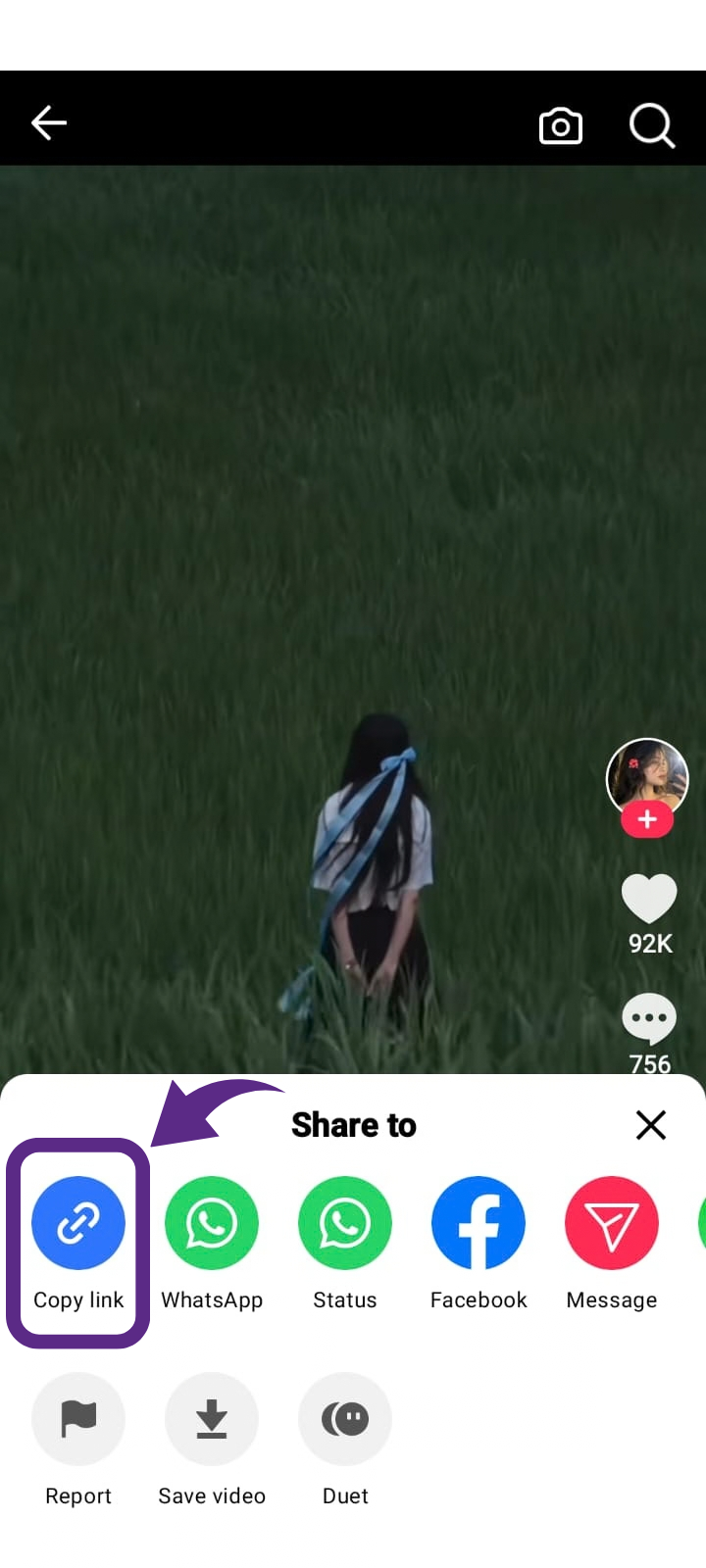
Open the TikTok app or website and find the video with the sound you want to save. You can also browse your “For You” feed, search for a specific video, or open a video directly from a creator's profile. Make sure the video is accessible before copying its link.
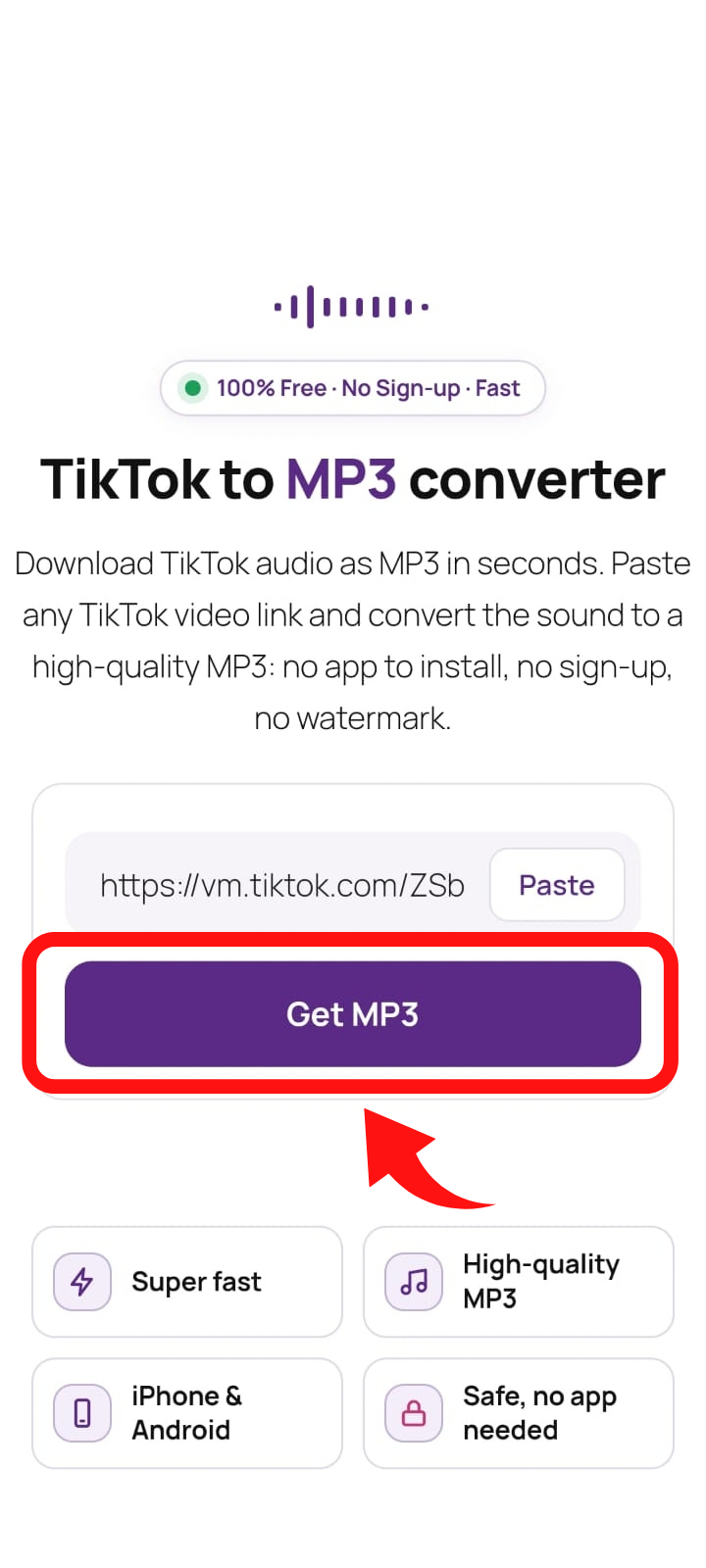
Tap the Share button on the video, then tap Copy Link. Now go to gettikmp3.com and paste the link into the converter box.
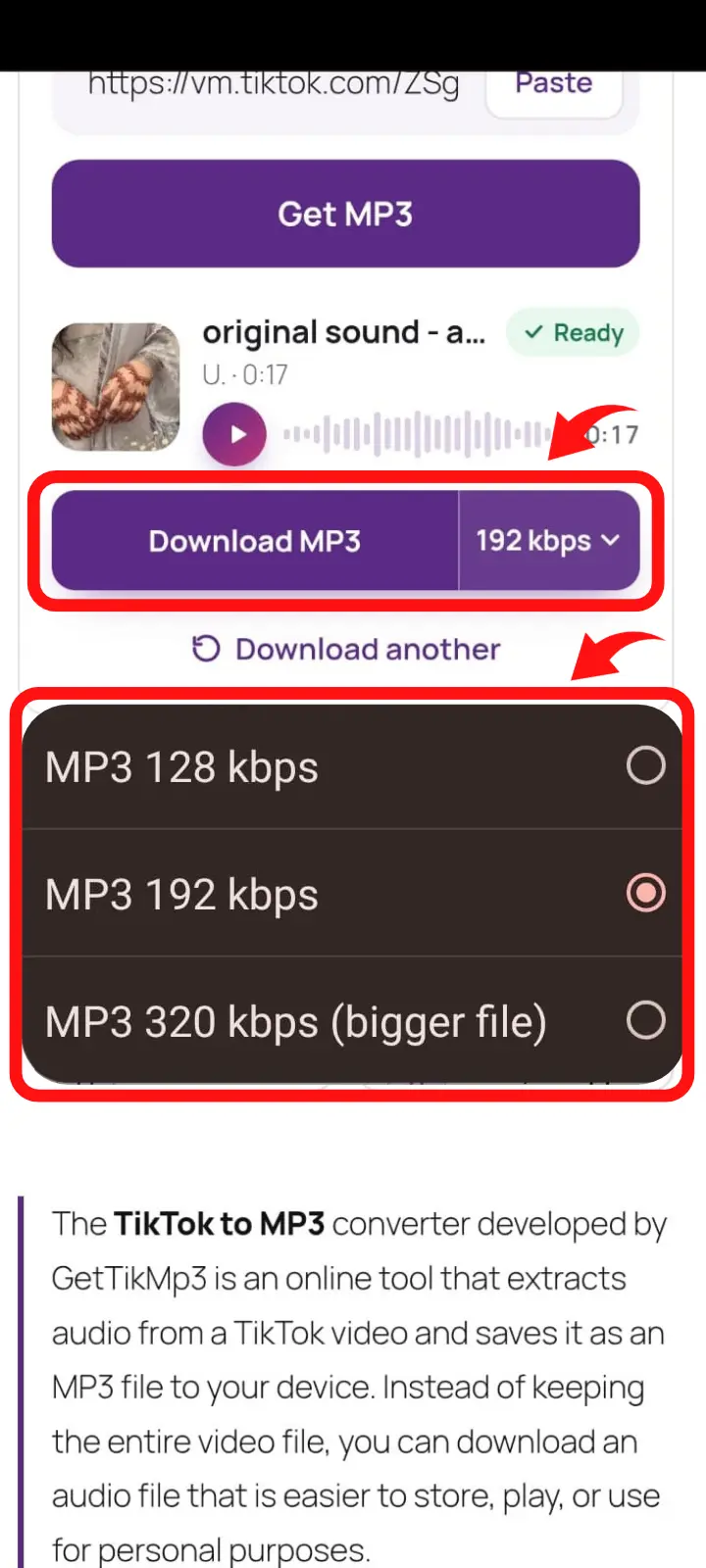
Paste the link, and the sound comes out on its own. Then choose 128, 192, or 320 kbps from the dropdown and tap Download MP3; it will save to your device.
VIDEO TUTORIAL
See the full process in a short video: copy the TikTok link, paste it into GetTikMp3, and download the MP3.

Our browser-based TikTok audio downloader can be used on different types of devices without requiring a dedicated desktop application.
On iPhone, everything runs in Safari. Copy the link from the TikTok app, then open the converter in Safari, paste the link into the converter, and the MP3 saves directly to your Files app.
On Android, open the converter in Chrome, paste your TikTok link, and download the MP3 straight to your phone's storage. The audio plays in any music player.
On PC or Mac, open TikTok in your browser, copy the link of your desired video from the address bar, then open the converter in your browser, paste your link, and download the MP3 file.
The easiest way to get a compatible URL for TikTok to MP3 is to use TikTok's built-in Share → Copy link option.
A standard TikTok video URL can be copied from the browser or TikTok's sharing options and pasted directly into the converter.
TikTok may also generate shortened sharing URLs, such as links using TikTok's short-link domains. They look like this: vm.tiktok.com / vt.tiktok.com.
Any link copied straight from the TikTok app's share menu works. One rule: the video must be public because private or restricted videos cannot be converted.
Our TikTok to MP3 converter is designed to keep the audio-download process simple.
Quickly isolate audio from any video or reel. Extract it in seconds, with no lag, and download it instantly. Paste the link, press convert, and your MP3 is usually ready before you've even switched tabs.
No confusing buttons or pop-ups. Just one click starts your TikTok audio download. Our downloader has a simple interface and is user-friendly.
Open the dropdown next to the Download button; that's where you choose 128, 192, or 320 kbps. Nothing gets cut in the middle; you get the whole sound as it was.
The converter runs entirely in your browser. No installation, no account, no email required. It's completely Free.
Whether you are using an iPhone, Android, tablet, PC, or Mac, our TikTok to MP3 converter works effortlessly on all your devices and provides you with a high-quality MP3 file.
We don't want your data, and we don't keep your files. The MP3 is prepared for your download, and then it's gone from our servers, like you were never here.
Some tools stamp their name on everything you make. An MP3 has no picture to stamp in the first place, and we wouldn't add anything anyway. What you download is the clean original sound, nothing extra attached.
You can check the sound before you download it, so you know it is the right one. When you paste a link, the website preview shows the song name, the artist name, and the cover picture, and you can listen to the sound right there.
You can listen on the page first, before you download anything. Basically, you check the sound, and if it's the wrong one, you just paste another link. You don't waste a download on the wrong sound.
After you download it, you can send the MP3 to WhatsApp with one tap. On a phone, WhatsApp gets the MP3 file itself, not just a link. You don't have to go to your downloads, find the file, and attach it yourself.
Paste the link: Drop any public TikTok video link into the box. A TikTok audio converter grabs the video and separates its audio track.
We handle the tech part: The sound gets separated from the video and packed into MP3 format. With TikTok to MP3, you get a compact audio file that's easy to save and play.
Hit download: The button appears the second it's ready. One click and the MP3 is on your device.
Done in seconds: No app, no account, no waiting room. The whole thing usually takes less than ten seconds.
Only public videos can be converted. If your download fails, it's almost always one of these:
Private videos, friends-only posts, and age-restricted content can't be accessed by any converter because this is a TikTok limitation, not a tool bug.
If the video was deleted or the sound was muted/removed by TikTok, there's no audio left to extract. Try the original sound page to find a re-upload.
A link that got cut off when copying is the most common cause. Copy and paste the full URL to fix it. Profile links and hashtag pages won't work; it must be a video link.
TikTok sounds don't hang around. One week a sound is on every video; the next week you can't even find the original video because it got deleted or the sound got muted. That's the whole problem with monthly lists. By the time a list updates, the sound is already gone. So here's what actually works. You hear something you like, you copy that video's link, you paste it here, and you keep the MP3. Then the MP3 is yours.
MP3 quality is measured in bitrate (kbps); higher numbers mean more audio detail per second. TikTok stores its audio at around 128 kbps, so a converter can't create detail that isn't in the source file.
320 kbps is the top of the MP3 range our converter outputs the best quality available from the source, up to 320 kbps, so nothing is lost in conversion.
If a download sounds slightly different from the TikTok app, it's usually the app's own processing. TikTok normalizes volume and applies light compression during playback. The downloaded MP3 is the clean source audio without that processing.
The Share and then Copy Link button in the TikTok app gives the most reliable link. Typed or shortened-by-hand links often fail to proceed.
Tap the sound name at the bottom of a TikTok to open its sound page. Downloading from the original sound's video gives you the cleanest audio, free of duet or stitch overlays.
Viral sounds get muted or removed when rights change. If you love a trending sound, convert it to MP3 now because they disappear fast.
Longer videos (up to 10 minutes) convert the same way, but the process just takes a few seconds more for bigger files.
| Feature | Our TikTok to MP3 Converter | Other Converters |
|---|---|---|
| Free to use | Yes | Mostly yes |
| Account / sign-up required | No | Some require it |
| Max MP3 quality | Up to 320 kbps | Often 128 kbps |
| Watermarks | None | None |
| Works on iPhone, Android & desktop | Yes | Usually yes |
| Conversion speed | Seconds | Varies |
| Choose MP3 quality | 128, 192 or 320 kbps | Usually fixed |
| Song name and cover in the file | Yes | Rarely |
| Preview before download | Yes | Some |
| Share to WhatsApp | Yes | No |
FROM THE BLOG
Step-by-step guides on downloading TikTok sounds, finding trends early, and using audio in your edits.
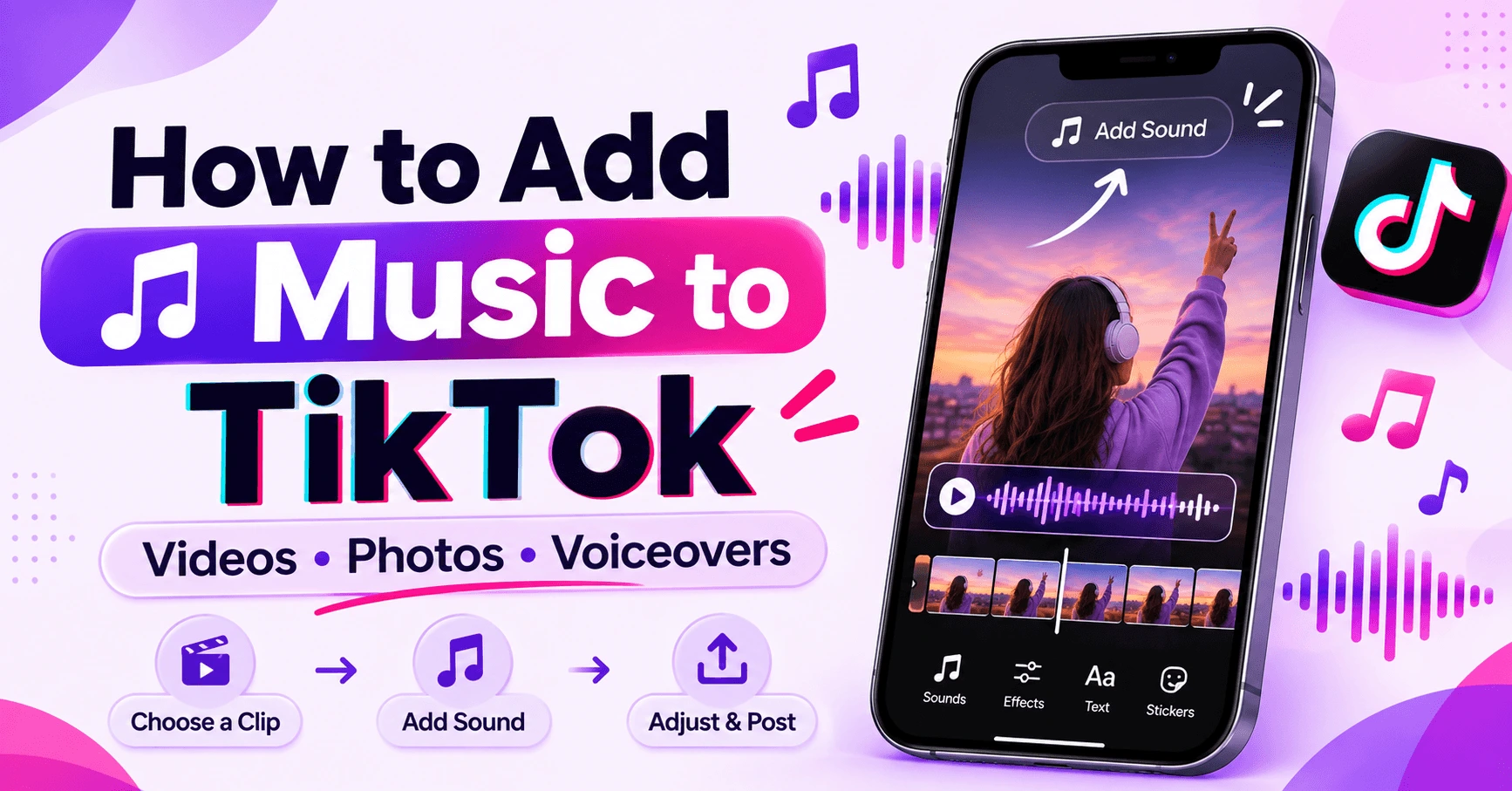 GUIDENov 25, 202612 min read
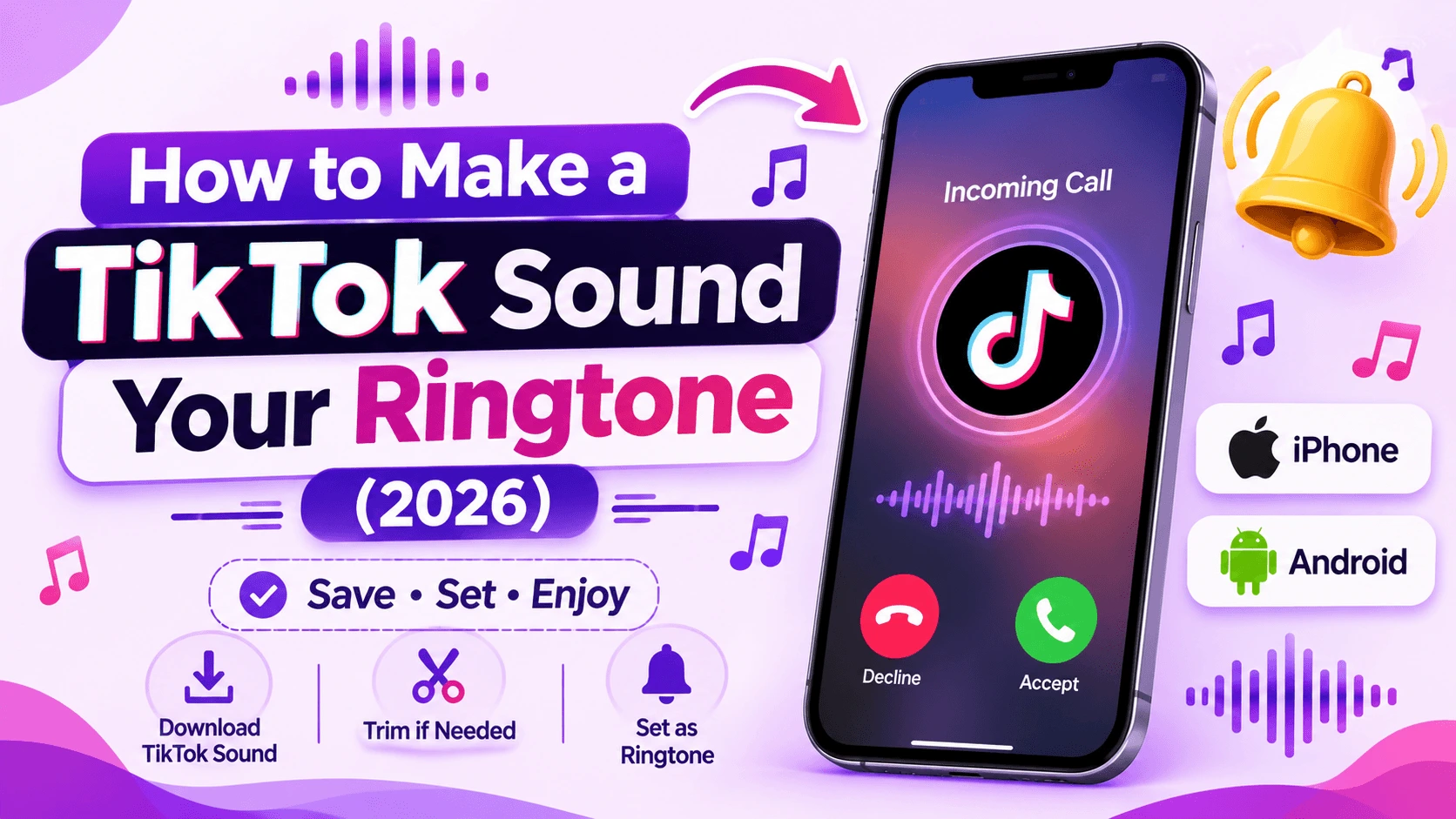 GUIDENov 26, 20268 min read
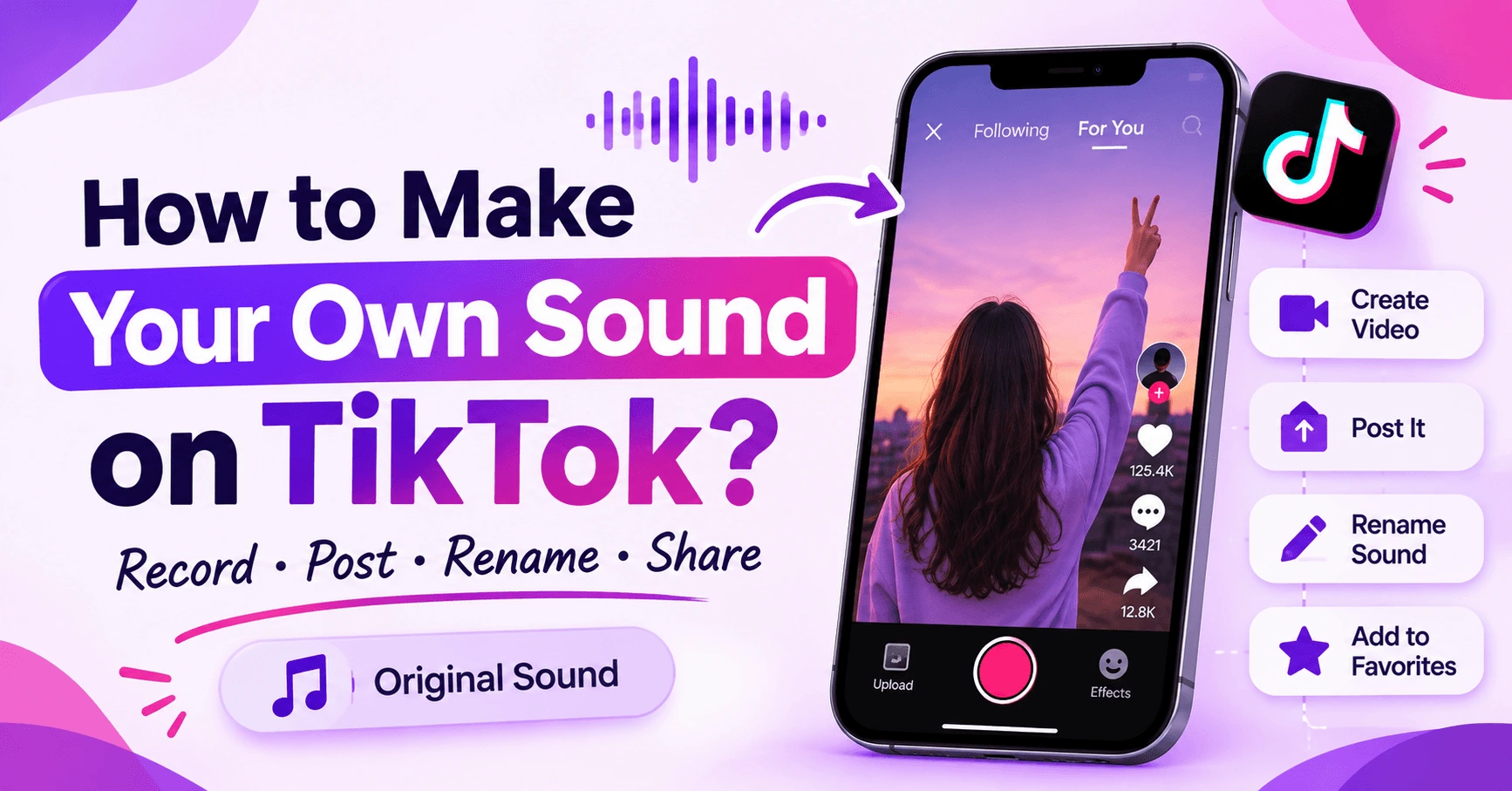 GUIDENov 13, 20267 min read
Using someone else's sound commercially (in ads, monetized content, or client work) requires the rights holder's permission. This tool allows you to download TikTok audio for personal or creative use, offline listening, and practice. When in doubt, use TikTok's licensed commercial sounds or royalty-free alternatives.
Yes, converting TikTok videos to MP3 is completely free, with no hidden limits.
No. You only need the video's link, which anyone can copy from a public TikTok video.
You can choose between 128, 192, or 320 kbps MP3. You can select the audio quality according to your preference.
Yes. After downloading, tap Share on WhatsApp. On phones, the MP3 file itself is shared.
Yes, the song name, the artist name, and the cover picture are saved in the MP3 file. Your music player reads them and shows them; that's how it works.
Yes. It works in Safari with nothing to install; the MP3 file saves to your Files app.
Yes. Open the converter in Chrome, paste the link, and download the MP3 to your phone.
No. Private, friends-only, and restricted videos can't be converted by any tool.
Not automatically. Personal and creative practice use is fine; commercial use needs the rights holder's permission.
No. The TikTok to MP3 converter runs fully in your browser on any device.
No. Files are processed to deliver your download and aren't kept on our servers.
Currently, conversions run one link at a time: just paste, convert, download, repeat.
MP3 is the only output format. You can choose 128, 192, or 320 kbps before downloading.
The converter downloads the full audio track; trim it to ringtone length in any free audio editor app.